
By mid-2025, our design team had an inconsistency problem with UX writing. Half the team had started experimenting with AI tools to help with interface copy, each using different approaches, different prompts, getting different results. The other half wasn't using AI at all, and with our aggressive feature timelines, the quality of interface copy varied significantly.
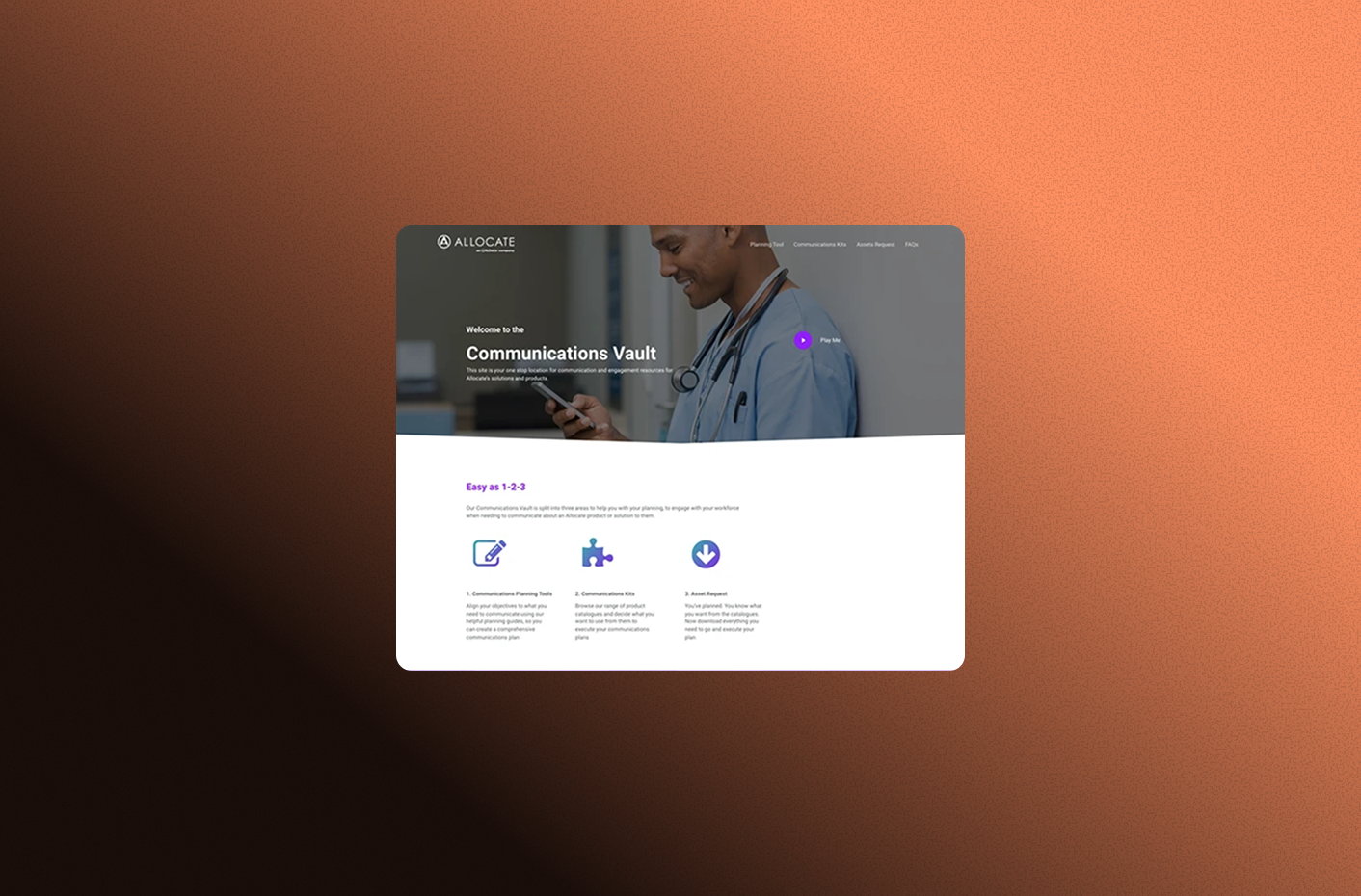
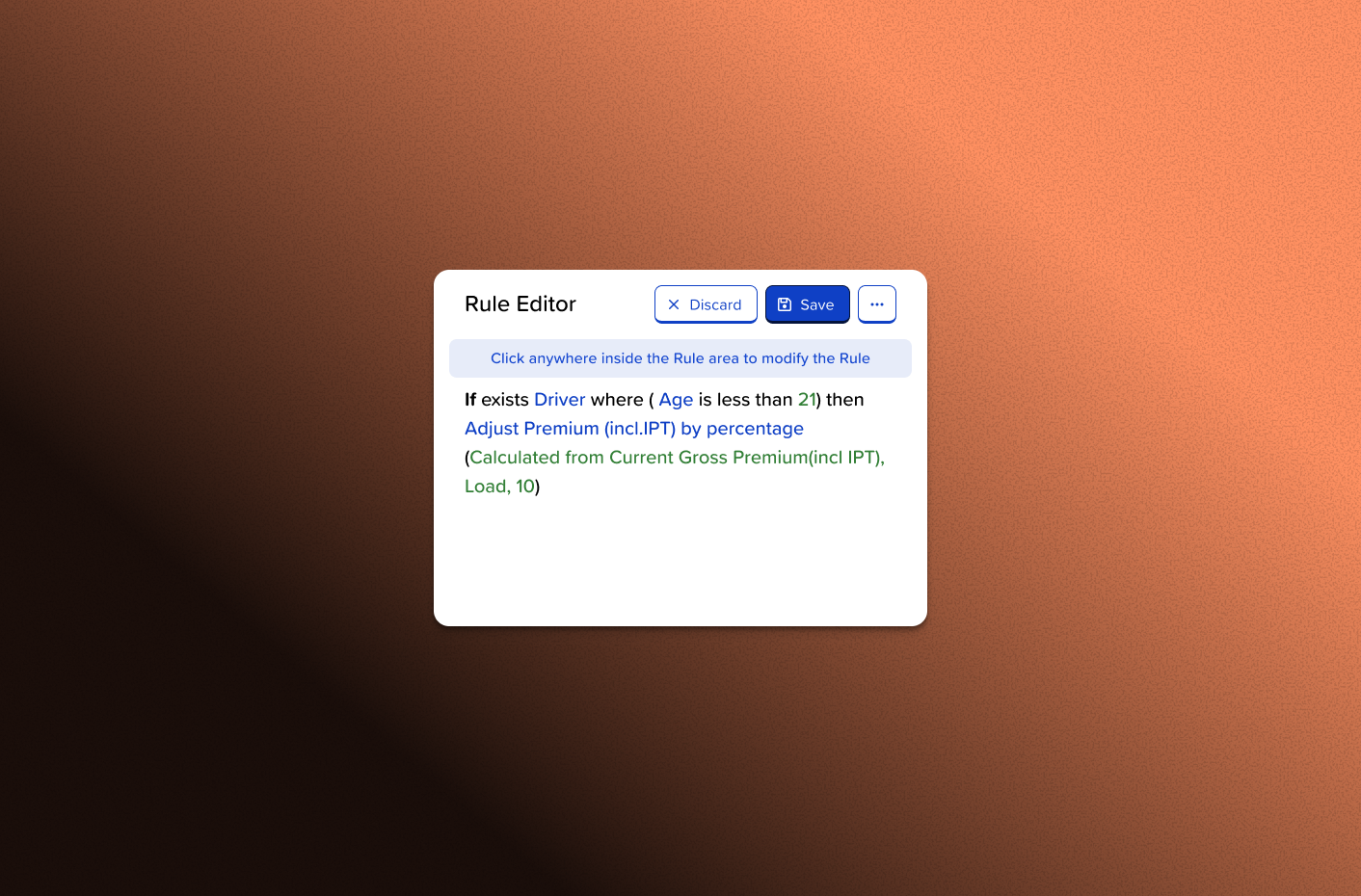
The consequences showed up in production. Many of our error messages came from legacy systems or were written by developers without design involvement. Messages like "An error occurred" with OK/Cancel buttons. Technical jargon dumped directly into user-facing modals. The broker-facing products had accumulated inconsistencies over time, with no standardized approach to interface language.
This wasn't just a writing quality issue. It was a systems problem. We had no shared approach, no standards, and no way to maintain our tone of voice at scale. With tight deadlines and multiple products in development simultaneously, this gap would only widen.
I started with a straightforward observation: design systems work for visual components, so why not for the words inside those components? We had a tone of voice guide that rarely got referenced. We had designers juggling multiple priorities where copywriting was just one of many responsibilities. And we had AI capabilities that could potentially bridge that gap if we could standardize the approach.
Inconsistent interface copy quality, split team approaches to AI assistance, production systems with legacy error messages
A custom AI agent trained on our brand voice and design principles could provide consistent, quality copy suggestions while establishing shared standards
Whether AI could truly capture our tone of voice, whether designers would trust and adopt the tool, whether it would actually improve consistency or just shift the inconsistency problem
Every confusing message meant support overhead, user frustration, and brand perception issues. Standardizing our approach to UX writing would improve both the user experience and our team's efficiency.
I partnered with one of our AI platform engineers to explore what was possible. I knew the writing principles and design requirements; he understood the AI platform capabilities. The collaboration worked because we approached it as equals. I wasn't just requesting features, I was actively learning how to configure the AI agent while he guided me through the technical possibilities.
We started by gathering the foundation:
The technical implementation went through several iterations. I tested different instruction sets, experimented with how much context to provide, and explored a new Copilot Studio feature called "topics" that let us create multiple specialized prompts. This turned out to be crucial. Instead of one generic "write UX copy" prompt, we could have separate approaches for error messages, success states, form validation, empty states, and CTAs.
I tested with real scenarios from ongoing projects:
Each test revealed something. The AI was excellent at avoiding technical jargon and maintaining a friendly tone, but it sometimes over-explained. It could generate multiple options quickly, but designers needed guidance on how to evaluate them. The tool needed to educate, not just generate.
The breakthrough came when I reframed what we were building. This wasn't about automating copywriting. It was about creating a teaching tool that happened to use AI. The agent needed to ask clarifying questions, explain its reasoning, and help designers understand UX writing principles while solving their immediate problem.
I restructured the prompts to include:
When I showed this iteration to the team, the response shifted from "that's interesting" to "I can actually use this." They could see it wasn't replacing their thinking. It was supporting it.
Rather than a big launch announcement, I made the OGI UX Writer available to the design team and let them discover it through real work. I'd check in: "Working on error messages? Try running it through the UX Writer first." The adoption was organic because it solved an immediate pain point.
The results emerged gradually:
Consistency improved noticeably. When we compared initial drafts to AI-assisted versions, the tone of voice alignment was clear. As a language model, the AI naturally maintained consistent phrasing and structure in ways that multiple designers working independently couldn't match.
Efficiency increased, though I didn't track exact metrics. Designers reported getting to quality copy faster. Fewer iterations, less time staring at blank states wondering how to phrase something. The tool gave them a strong starting point they could refine rather than creating from scratch under deadline pressure.
The team's confidence in addressing interface copy grew. This was the unexpected benefit. By explaining its reasoning and showing examples, the AI was actually teaching UX writing principles. Designers who previously had less exposure to copywriting started engaging with copy decisions more thoughtfully.
This project taught me that successful tool adoption isn't about the sophistication of the technology. It's about understanding the actual workflow problem and solving it in a way that feels supportive rather than prescriptive.
Start with genuine team pain points. I didn't propose this because AI was trendy; I proposed it because half the team was already hacking together their own solutions and the other half was struggling. Meeting people where they are matters more than the elegance of your solution.
Collaborate with technical experts as partners, not vendors. Working with our AI platform engineer as a peer rather than submitting requirements meant we could iterate quickly and explore possibilities I wouldn't have thought to request. I learned enough about Copilot Studio to configure things myself, and he learned enough about UX writing to suggest better prompt structures.
Adoption requires education, not just access. Making the tool available wasn't enough. I needed to demonstrate it in context, show how it fit into existing workflows, and let people discover its value through their real work. The organic rollout worked better than any formal training would have.
Measure impact through quality, not just speed. While the efficiency gains mattered, the real value showed up in consistency and confidence. Faster isn't always better if it's consistently mediocre.
The OGI UX Writer is now part of our design toolkit, improving interface copy one project at a time. The next phase involves:
But the broader lesson extends beyond this specific tool. Organizations often have knowledge locked in documents people don't reference and standards they intend to follow but can't maintain manually. AI isn't replacing expertise. It's making expertise accessible at the moment people need it. That's the kind of innovation that scales.